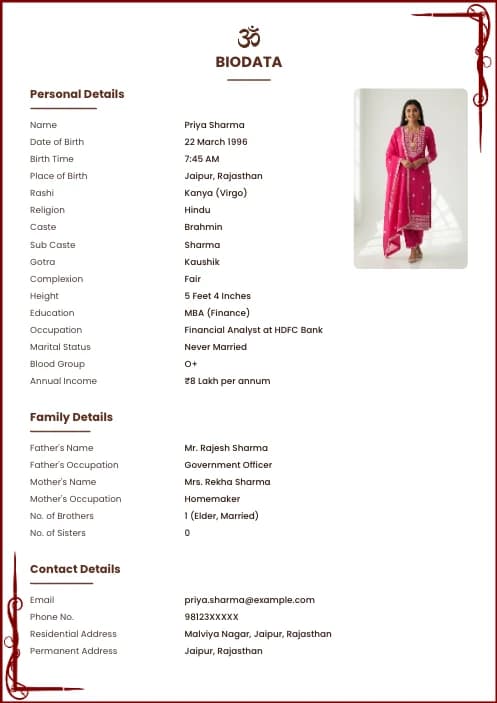
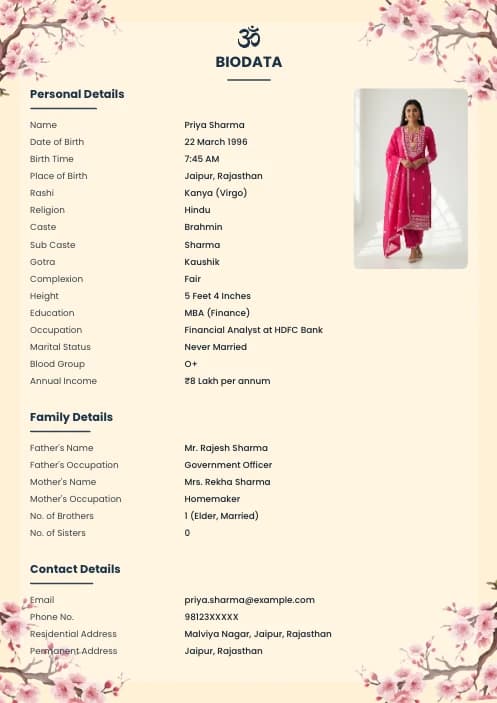
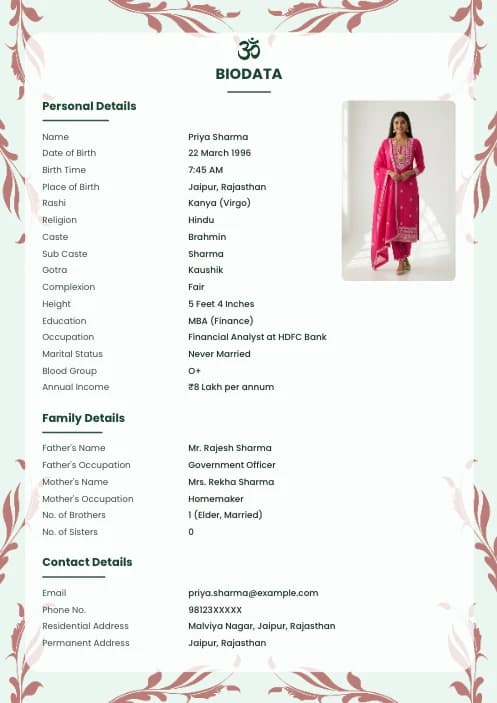
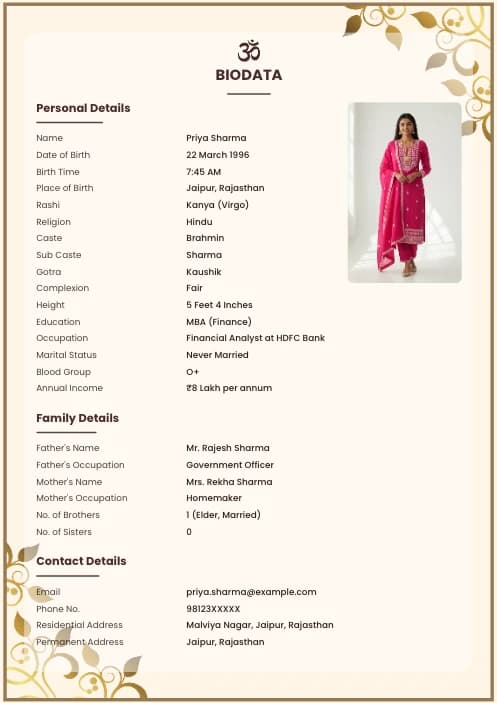
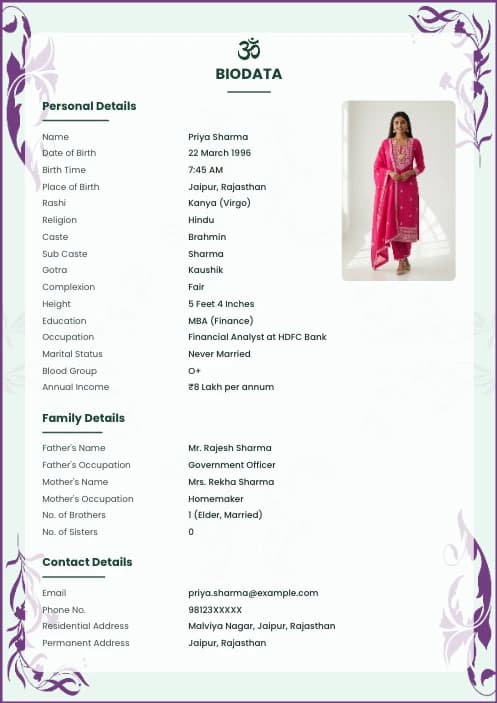
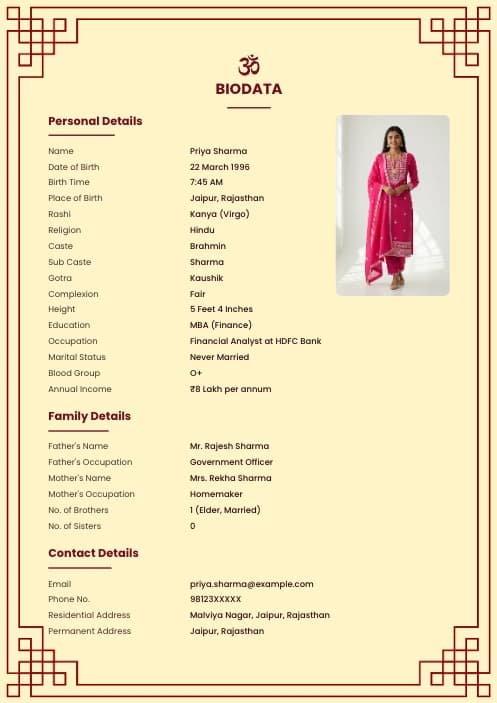
What is a Biodata for WhatsApp?
A biodata for WhatsApp is a plain-text version of a marriage biodata, formatted specifically to look neat and professional inside a WhatsApp chat. Unlike a PDF or Word file, this biodata text format can be sent directly in any chat — no file download needed. The recipient can read it instantly without opening any app or attachment.
WhatsApp supports a basic markdown-like formatting system where text wrapped in *asterisks* appears in bold, text in _underscores_ appears in italic, and text in ~tildes~ appears in strikethrough. Using these, along with emojis and separator lines, you can create a WhatsApp biodata format that looks structured and professional right in the chat.
When to use WhatsApp biodata: For initial contact or quick introduction with a potential family. For formal proposal exchange, always follow up with a proper PDF biodata format with photo and professional design.
How to Send Marriage Biodata on WhatsApp
Sending a marriage biodata on WhatsApp is simple. Here is the step-by-step process to use the templates on this page:
Pick General, Hindu Traditional, or Modern Minimal based on your community and preference.
The entire biodata text is copied to your clipboard automatically. No need to manually select text.
Open the chat, tap the message box, and paste (long press → Paste). The formatting will appear correctly.
Tap to edit the message before sending. Replace every [placeholder] with your actual details.
Send directly, or save as a WhatsApp draft to reuse for multiple contacts without re-typing.
WhatsApp Biodata Formatting Tips
A few simple formatting tricks make your biodata text for WhatsApp much easier to read:
Wrap section headings in single asterisks: *PERSONAL DETAILS* renders as bold in WhatsApp. Makes sections easy to skim.
Use ━━━━ or ───── lines to visually separate sections. These render as plain text but create a clean layout.
The • character (bullet) keeps entries aligned neatly. Use it consistently before every field for readability.
Beginning with 🕉️ or 🌸 or ✨ signals the purpose immediately and makes the message stand out in chat.
Long messages get collapsed by WhatsApp with a 'Read more' prompt. Keep your biodata concise so it's fully visible.
At the bottom, add your profile link from simplebiodatamaker.in so the family can view or download your PDF version.
WhatsApp Biodata vs PDF Biodata – Which is Better?
Both formats serve an important role in the marriage biodata process. Use them together:
| Feature | 📱 WhatsApp Text | 📄 PDF Biodata |
|---|---|---|
| Photo included | ❌ No | ✅ Yes |
| Instant readable | ✅ Yes | Needs to open file |
| Professional design | ⚡ Basic | ✅ Full design |
| Printable | ❌ No | ✅ Yes |
| Easy to edit & resend | ✅ Very easy | Need to re-download |
| File size | Zero | 0.5–2 MB |
| Works without internet | ⚠️ Only if saved | ✅ Always |
| Best for | First contact, quick intro | Formal proposal, meetings |
👉 Best practice: Send the WhatsApp text biodata first for a quick introduction. If the family shows interest, follow up with a professionally designed PDF biodata from our free maker.
Frequently Asked Questions
Can I send biodata directly on WhatsApp without a PDF?
Yes. Use the text templates on this page. Copy, paste in WhatsApp, replace the placeholders with your information, and send. No file needed.
How do I make text bold in WhatsApp biodata?
Wrap any word or phrase in single asterisks: *like this*. WhatsApp will render it as bold when the message is sent. Example: *Name:* renders as bold 'Name:'.
Is it okay to share biodata on WhatsApp?
Yes, it's very common in India to share marriage biodata on WhatsApp — both as a text message and as a PDF file. The text format is great for quick introductions; the PDF is better for formal proposals.
Can I save a WhatsApp biodata as a reusable template?
Yes. In WhatsApp, you can save messages as a 'Starred Message' or create a WhatsApp note to yourself. Many people also keep the text in their Notes app and copy-paste as needed.
What's the difference between biodata for WhatsApp and a regular biodata?
A 'biodata for WhatsApp' is plain text formatted with WhatsApp markdown (bold, emojis, separators) to look good in a chat. A regular biodata is a designed document (PDF or Word) with layout, colors, photo, and professional typography.
How to send marriage biodata on WhatsApp in Hindi?
Type or paste Hindi text directly in WhatsApp — it supports Devanagari script fully. You can also mix Hindi and English fields. For a complete Hindi biodata guide, see our blog.